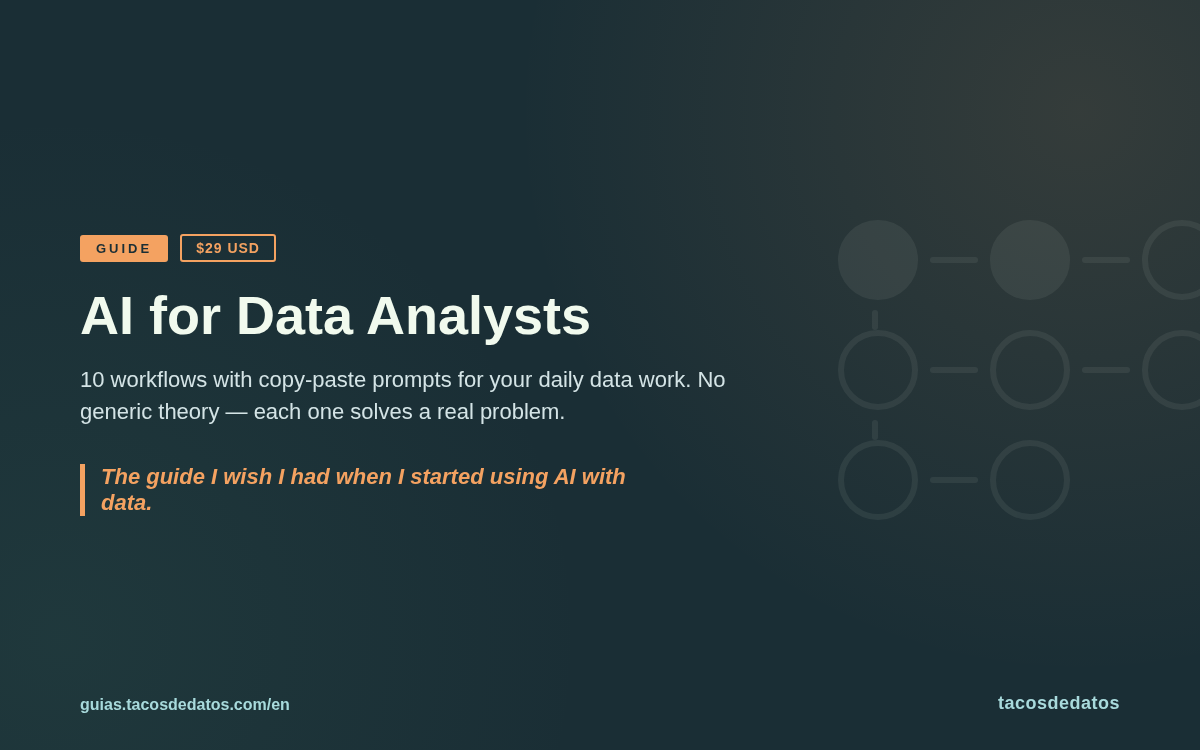
AI for Data Analysts
Do more with less: AI workflows for analysts
10 concrete workflows for integrating AI into your daily data work. No generic theory: each workflow solves a real problem with ready-to-use prompts.
This guide collects 10 AI workflows I use for data work when there are too many questions and not enough time. It is not a dump of isolated prompts: each workflow explains when to use it, what context to give the AI, how to verify the answer, and when to stop trusting the output.
For example, the Reverse Briefing is for vague stakeholder requests like "we need visibility into sales." Instead of asking the AI to do the analysis, you ask it to interview you: what decision the work should support, who will read it, what data exists, what constraints matter, and what the final deliverable should look like. The output is not a magic answer. It is a sharper brief that lets you start with judgment.
The guide also covers the Expert Council for critiquing visualizations, the Narrative Context Dump for combining numbers with qualitative context, the Visual Reality Check for catching charts that look right but calculate wrong, and six more workflows for research, continuity, and exploration.
It includes Anthropic's prompting principles adapted for data work, copy-paste prompts, a Claude Projects setup guide, and documented failure modes. The material comes from years of notes, livestreams, drafts, and real work building analyses, dashboards, and data content.
It is for analysts who already work with data and want to integrate AI without giving up their judgment. It does not try to teach SQL, Python, or statistics from scratch. It also does not promise to automate your whole job. It gives you small systems for faster questions, better reviews, and stronger deliverables.
Direct answer
Which AI workflows are actually useful for data analysts?
Useful workflows do not start with "paste your data into AI." They start by defining the work: what decision needs to be made, what context is missing, what output is needed, and how you will verify it before using it.
Sample workflow: Reverse Briefing
Use this when the request is still vague. Instead of asking for an answer, ask for an interview. The AI turns an ambiguous request into a brief with audience, decision, available data, constraints, and expected deliverable.
- State the general objective in one sentence.
- Ask for 5 to 7 questions about scope, audience, constraints, and decision.
- Answer with real context, ideally using voice so you do not under-explain.
- Turn the answers into a brief and review what still needs stakeholder confirmation.
Sample prompt
I want to build [ANALYSIS/DASHBOARD/REPORT].

Act as a product manager and senior analyst.
Ask me 5-7 questions to define:
- audience and expected decision
- available data and missing data
- hero metric
- technical or time constraints
- final deliverable format

Wait for my answers before proposing a solution.
Where it usually fails
- If you provide thin context, the AI invents generic questions that do not reflect your business.
- If you accept the brief without reviewing it, you can turn a bad premise into a polished plan.
- If you paste sensitive data into the prompt, you solve one problem and create another.
Not for you if
- You want a beginner guide to SQL, Python, or statistics.
- You want to automate analysis without reviewing assumptions, calculations, or context.
- You need general AI theory more than workflows applied to data work.
What's included?
- 10 complete workflows with when to use them, steps, prompts, and verification
- One public sample workflow: Reverse Briefing for vague analytical requests
- Copy-paste prompts you can adapt to analysis, dashboards, and communication
- Anthropic framework adapted for real data work
- Step-by-step Claude Projects guide for maintaining context across sessions
- Failure modes: when to double-check and when to close the chat
Ideal for
Key benefits
- Reduce time spent on repetitive analysis tasks
- Helps you start analyses when you don't know where to begin
- Improve work quality with AI-assisted reviews
- Includes prompts you can use immediately
- Learn to maintain context across sessions with Claude Projects
Contents
- 01Introduction: How this guide was created
- 02Framework and Prompts: Anthropic's 5 principles adapted
- 03The 10 Workflows: Reverse Briefing, Expert Council, and more
- 04Claude Projects: Configuration for maintaining context
- 05Closing: Reflections and next steps
One-time payment
Paid tacosdedatos subscriber?
Open your private library with your Substack email. No coupon code or checkout needed.
Open subscriber librarySecure payment via Stripe
Frequently asked questions
Do I need prior AI experience to use this guide?
No. The workflows are designed to be used from scratch. You just need to know how to work with data and have access to an LLM like Claude or ChatGPT.
Do the prompts work with any AI tool?
They are optimized for Claude, but the principles and most prompts work with any LLM. The guide includes a Claude Projects section that is Claude-specific.
What kind of problems do the workflows solve?
Real day-to-day problems: starting an analysis without clear direction, critiquing your own work before presenting it, documenting knowledge the AI does not have, and more.
How is this different from free AI tutorials?
Tutorials teach the tool. This guide teaches you how to integrate AI into your actual data workflow, with workflows you can apply today.
How do I receive the guide after purchase?
Right after payment you will be redirected to a download page where you can download immediately.
Are updates included?
Yes. All future updates are included at no extra cost.
What format is the product?
PDF, so you can open it on desktop, tablet, or mobile.
Is there a refund policy?
If it is not a fit, email me within 7 days and I will refund you. No questions asked.