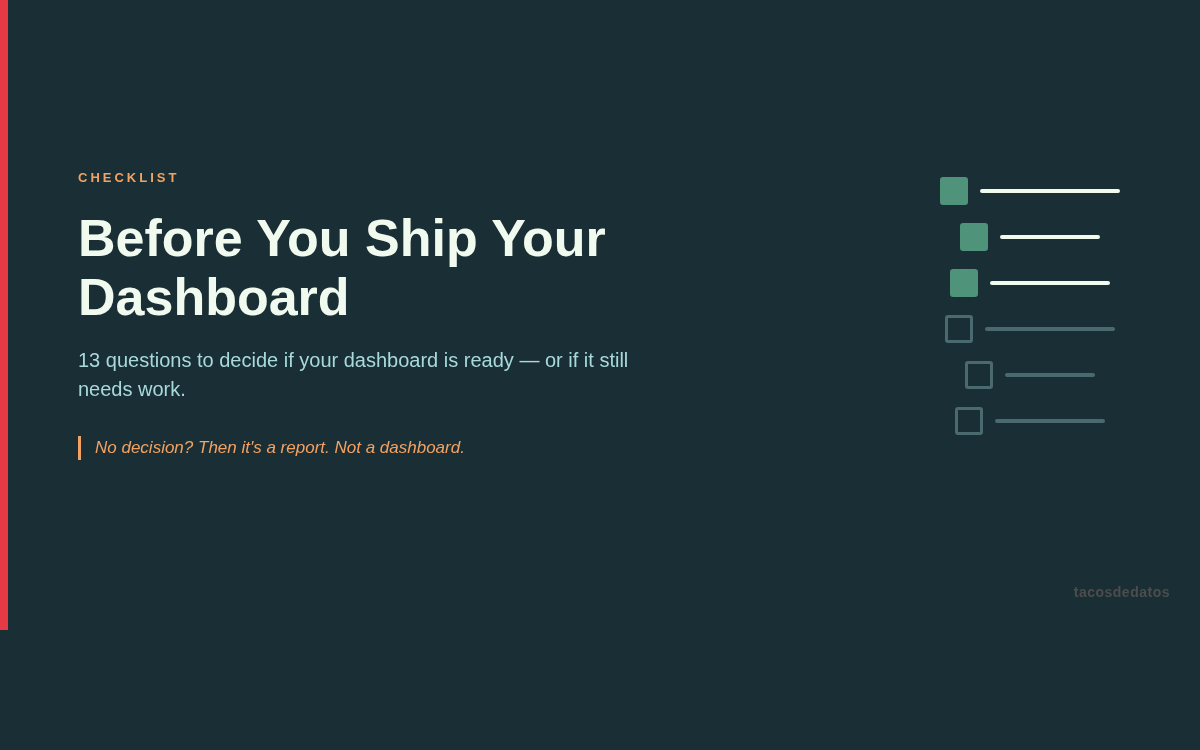
Before You Ship Your Dashboard
Before sharing a dashboard, check whether it actually helps someone make a decision
A short, practical resource for reviewing whether your dashboard is ready before it goes out: audience, decision, metrics, context, and action.
I've seen a lot of dashboards nobody opens. I've built some of them myself.
Most don't fail because of a technical problem. They fail because it's unclear who they're for, what decision they should enable, or what action they should trigger after someone looks at them.
This checklist distills the questions I now ask before publishing any dashboard: real audience, concrete decision, hero metric, visual hierarchy, useful defaults, and maintenance. It's short, direct, and forces you to think about the person before the chart.
Instead of focusing only on design or tools, it helps you validate what matters most: whether the audience is well-defined, the decision is clear, there's a hero metric, the context is sufficient, and the dashboard suggests what to do next.
If you build dashboards for Slack, meetings, or stakeholders who say "I just need visibility," this PDF saves you hours of work that ends up as digital dust.
Direct answer
How do you know if your dashboard is ready to ship?
A dashboard is ready when a specific audience can understand what changed, why it matters, and what decision or action comes next. If it only shows metrics without context, it is not ready yet.
When to use this checklist
Use it before sending a link in Slack, presenting the dashboard in a meeting, or making it a recurring source for a team. The best time to fix an unfocused dashboard is before the audience learns to ignore it.
Minimum steps before publishing
- Name the real audience, not a generic group like "the business."
- Define the decision the dashboard should support.
- Choose one hero metric and give it visual hierarchy.
- Add enough context to interpret changes, outliers, and strange periods.
- Decide who owns the dashboard after launch.
Example
If the dashboard is for reviewing weekly sales, showing revenue, orders, and average order value is not enough. The useful question is: what should the sales team decide on Monday? That answer changes the order, filters, defaults, and even the title.
Where it fails
- Too many KPIs compete for attention and no metric leads.
- Filters exist, but defaults do not answer the main question.
- It is unclear whether a drop requires action or is normal noise.
Quick template
This dashboard is for [AUDIENCE].
It helps them decide [DECISION].
The hero metric is [METRIC].
If the metric changes, the expected action is [ACTION].
The person responsible for maintaining it is [OWNER].
What's included?
- Practical questions to validate audience, decision, and hero metric
- Checklist built for analysts, not for window dressing
- Focused on real decisions, not just pretty visualizations
- Reviews visual hierarchy, filters, defaults, and edge cases
- Includes post-launch ownership: who maintains the dashboard after
- Works regardless of whether you use Power BI, Tableau, Looker, or any other tool
Ideal for
Key benefits
- Catches lack of focus before publishing
- Improves clarity and usefulness for decision-makers
- Helps you prioritize what matters over what looks nice
- Can be applied in minutes
- Works regardless of whether you use Power BI, Tableau, Looker, or any other tool
Contents
- 01About the audience
- 02About the content
- 03About the design
- 04About maintenance
- 05The question that sums it all up
Related resources
Download the guide without signing up
Free Before You Ship Your Dashboard. No signup required.
Frequently asked questions
How do I know if a dashboard is ready?
A dashboard is ready when a specific person can find what matters quickly, understand what it means, and use it to make a decision.
What should I check before publishing a dashboard?
Review audience, decision, hero metric, context, visual hierarchy, filters, edge cases, and ownership after launch.
Does this checklist work for Power BI, Tableau, or Looker?
Yes. The checklist doesn't depend on the tool — it depends on the clarity and usefulness of the dashboard for decision-making.
Who is this checklist for?
Data analysts, BI professionals, analytics engineers, and anyone who builds dashboards and wants to validate whether they're actually ready to be used.
How do I download the guide?
Choose the free-download button and a short-lived private link is generated on the page. No signup is required.
Do I need to register?
No. The resource is available as a direct download without an email or account.
What format is the product?
PDF, so you can open it on desktop, tablet, or mobile.
Is there a refund policy?
If it is not a fit, email me within 7 days and I will refund you. No questions asked.